
Lately I’ve been experimenting with drawing wreath designs and writing quotes with fancy lettering. I have always admired calligraphy, but I have never had any instruction on the subject. I have horrible handwriting because I’m usually thinking faster than I can write, but I found I’m pretty good at copying letters! On Pinterest there are tons of graphics showing the alphabet written in different fonts and I’ve been practicing writing quotes that I like using fancy letters. I just reference the design on the computer and try to recreate it free-hand. There are also lots of examples of wreath designs and other details you can use to surround your quote to make it look nice. Sometimes I find a quote that has a nice layout and just recreate the whole thing using a fine tip pen, and other times I combine a quote, fancy letters, and embellishment designs from several different places. It’s been really fun!
I scanned a few designs into my computer to edit using the free app I have, “Autodesk Pixlr”. It’s a very basic photo editing software, but it can do some pretty cool things!
For this particular graphic, I used a wreath design from one place, words inspired by the quote “Explore. Dream. Discover” from Mark Twain, and drew it using a font I found somewhere else. Then I scanned it and edited with “Autodesk Pixlr”. Here are several versions that I edited. I think they turned out pretty cool!
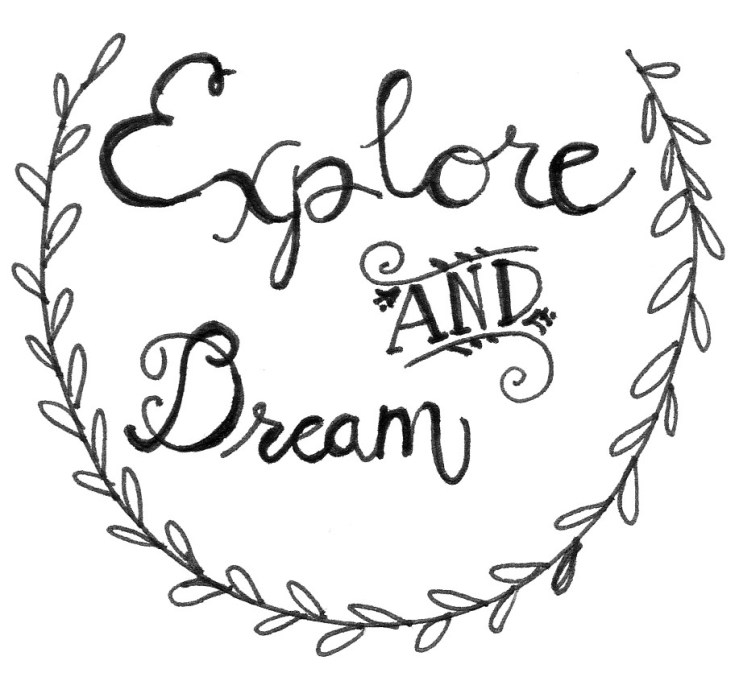

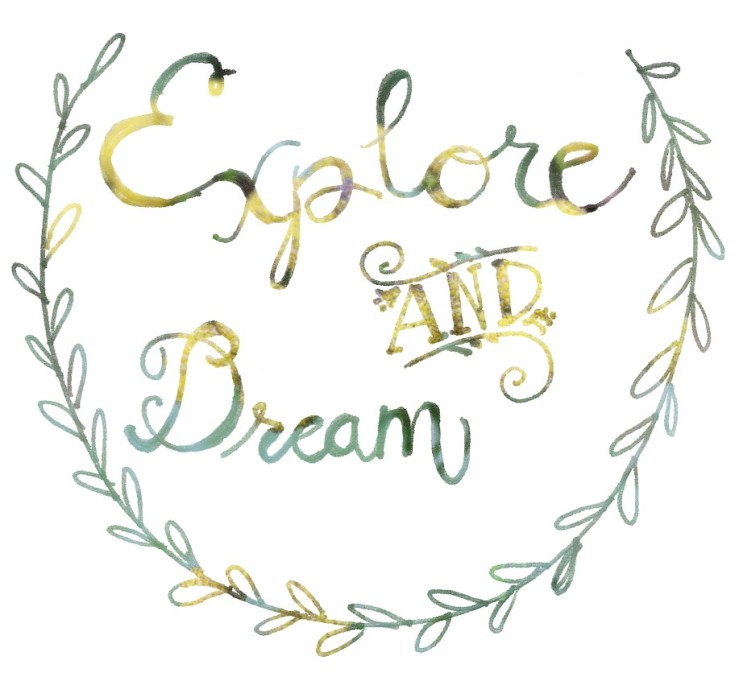
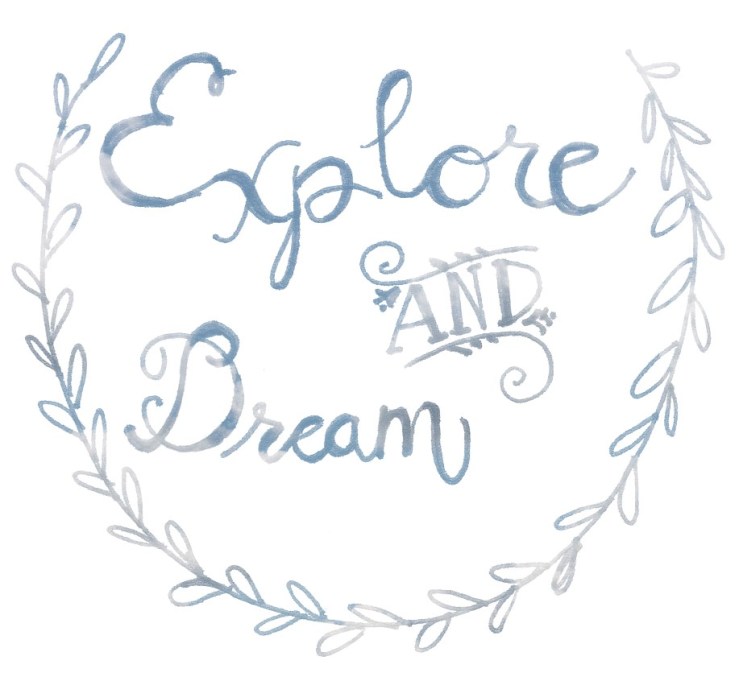
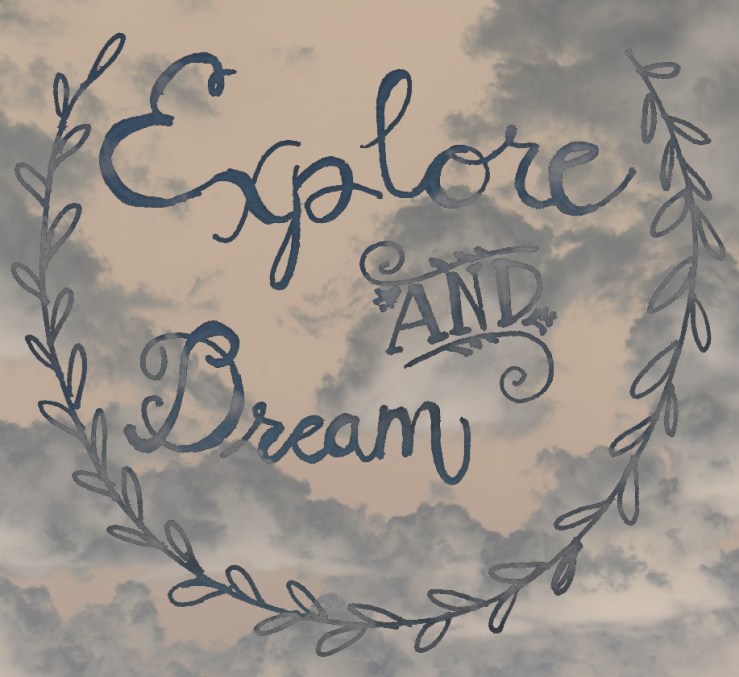
Which design edit is your favorite? Leave a comment!
Thanks for reading!
-Rebecca

 Flourish & Blogs
These look great! Explore and Dream in front of the negative clouds is my favorite.
LikeLike
Thanks! It was so fun trying the different settings to see how they worked. I plan on doing more edits in the future!
LikeLike